


Thank you!
You're registered for a Macmillan Coffee Morning
We’re delighted you’re going to join us for Coffee Morning! We're unable to send postal kits for overseas events. However, everything you need to prepare for your Coffee Morning is available to download.

Start planning today

1. Share your event with the Coffee Morning community
If you are hosting a public Coffee Morning, fill in our form to add it to our Coffee Morning postcode search so members of the community can attend and support you.
Please note you should only fill in the form if your Coffee Morning is open to members of the public.

2. Download our overseas fundraising kit
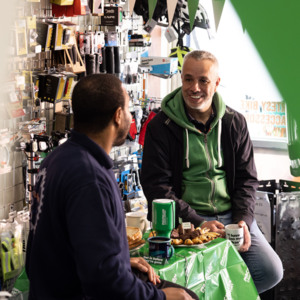
Our overseas fundraising kit was designed for people hosting a Coffee Morning outside the UK. It has everything you need to plan and host your event!
3. Spread the word
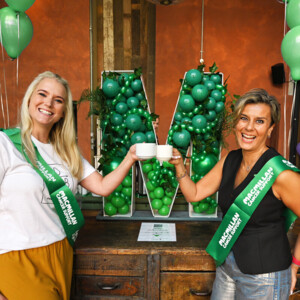
Let everyone know about your Coffee Morning so they can get it in the diary. And if you'd like some help with your event, round up a few helpers now to support you with your preparations and on the day.
Click the links below to tell people about your Coffee Morning.

4. Get tips, advice and updates
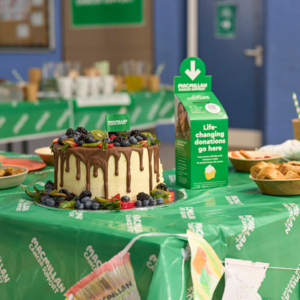
Join our Facebook group to keep up to date on the latest Coffee Morning news, updates and advice.
5. Share your fundraising page
Frequently Asked Questions
-
How do I invite people to my Coffee Morning?
There are many ways to invite people to your Coffee Morning. Here are a few ideas to get you started:
- Put up posters and send out invitations. We’ve provided some in your fundraising kit, but you can download more from our Coffee Morning resources page.
- Send out a message in your group chat. Don’t forget to include your event details and a link to your fundraising page. You could even set up a WhatsApp or Facebook group for your Coffee Morning.
- Set up a Facebook invite. This is a great way to get the word out about your Coffee Morning on social media.
- Send an email. If you’re hosting at work, don’t forget to send an email to your colleagues, customers and/or clients about your Coffee Morning.
- Advertise your Coffee Morning in newsletters. If you’re hosting at school or work, don’t forget to share your Coffee Morning in your newsletter. You may also want to mention it in any important meetings such as the next parent teacher meeting.
Don’t forget to share your fundraising page at the same time – it’s a great way for people to donate if they can’t come along on the day.
-
How can I raise money at my Coffee Morning?
Once you sign up, we’ll send you a free Coffee Morning fundraising kit in the post. It’s packed full of ideas to help make your event as successful as possible. Such as:
- Gift Aid form so you can raise even more money
- Fundraising games to help entertain your event guests and raise additional funds
- QR code stickers that people can scan and donate directly to your JustGiving fundraising page
Here are some ideas to help you raise money at your Coffee Morning:
- Hold a raffle or sweepstake. You could ask friends, family or local businesses to donate prizes for the raffle. Then charge people on the day to enter the raffle or sweepstake for a chance to win any of the great prizes you’ve gathered.
- Get your donations matched. If you’re hosting at work, you could ask them to match the money you raise. Use our handy Matched Giving form.
- Host a tournament. Charge teams to take part in a sports tournament such as five-a-side football, bowls tournament or whatever sport you like.
-
How can I make a Coffee Morning payment from overseas?
If you are abroad but have a bank account registered in the UK, you can still make a payment online.
If you do not have a bank card registered with the UK, it is still possible to pay in the money you raised or make a personal donation.
You can:
- Make a PayPal payment online
- Donate on your JustGiving fundraising page
- Call +44 330 102 7890 to speak to someone on our payment line.
- Email coffee@macmillan.org.uk to arrange a BACS payment.
-
How do I use my online JustGiving Coffee Morning fundraising page?
After you sign up to host a Coffee Morning, you’ll receive a welcome email with a link to your JustGiving fundraising page. It will also appear at the top and bottom of every email you receive from the Coffee Morning team after signing up.
You can share your fundraising page link with guests to donate to your Coffee Morning. You can also use the QR stickers in your pack on the day of your event so that guests can donate directly to your JustGiving fundraising page.
You don't have to, but if you would like to personalise your page, click on the link in the emails from the Coffee Morning team. When you personalise your page, you can:
- Adding a photo
- Setting up a fundraising target
- Updating your bio with more details about your event.
Did you know that pages that have been personalised raise 50% more on average?
Further guidance:
- View our guide on how to use your Coffee Morning fundraising page
- Watch the video tutorials on how to personalise and edit your page. They also have guidance if you have trouble logging into your account.